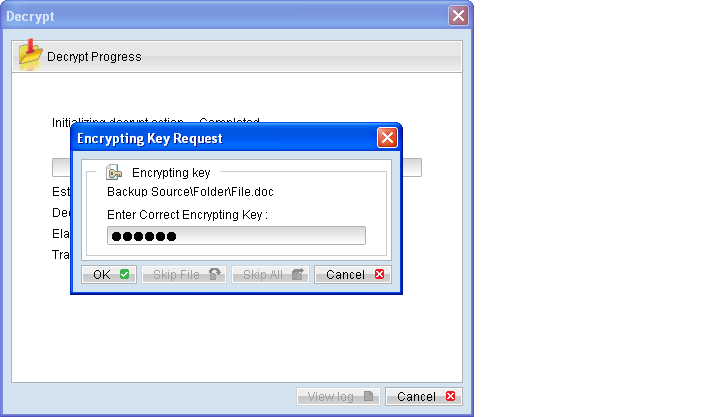
Data stored on the backup server can be copied onto a removable hard disk (or other storage medium) for direct restore on the client computer, bypassing the network bottleneck. This is especially useful for restore of large backup set. However, as data stored on the backup server are compressed and encrypted for security purposes, a utility called Decrypt File Wizard must be used to decrypt the data. Refer to the following steps for restore using Decrypt File Wizard:
- Connect the removable hard disk with the data to your computer.
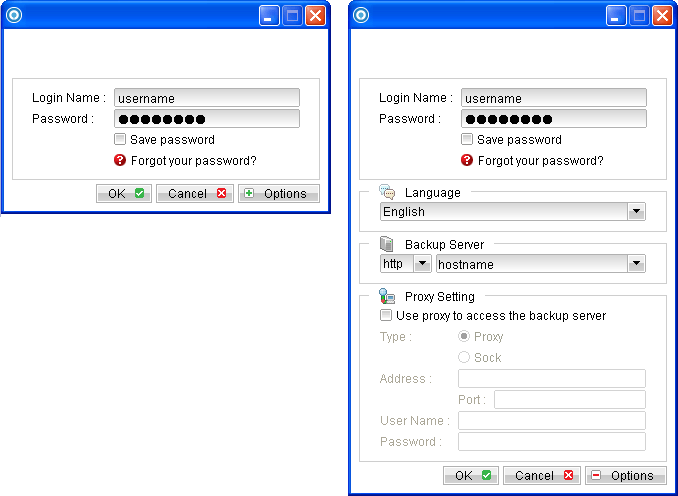
- Login to the backup application's user interface.
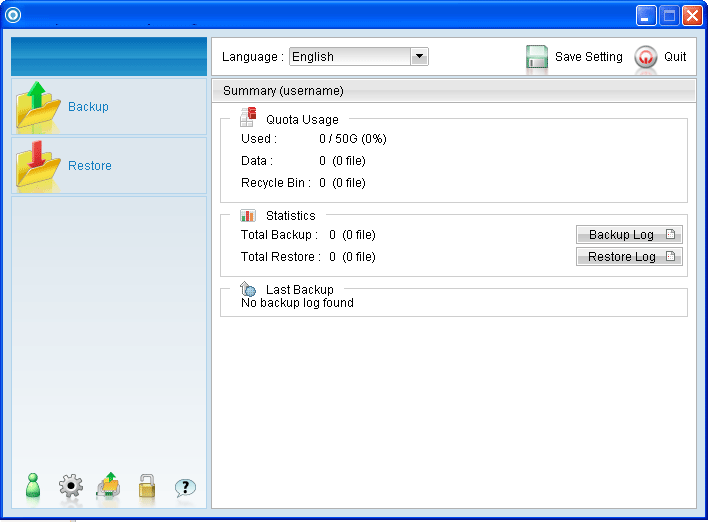
- Click on the [Decrypt File Wizard] button on the backup application's main window to open the Decrypt File Wizard.
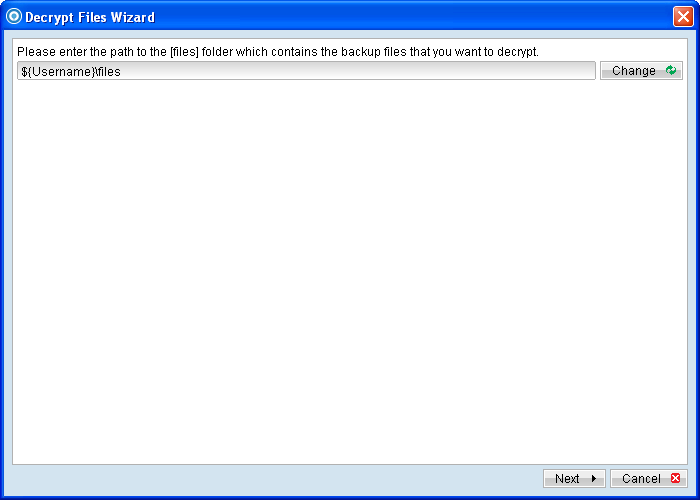
- Select the [Change] button and browse to the [files] directory of the copied data, and click [Next].
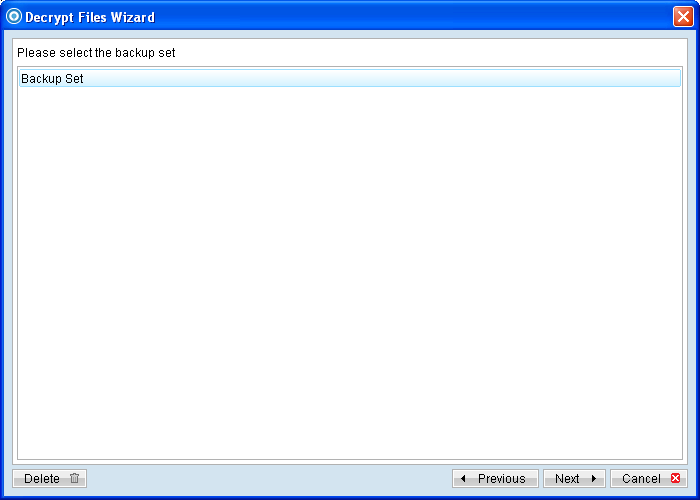
- Select the corresponding backup set and press [Next]
- Select the [Show files as of Job] to display files available as of a particular backup job.
- Expand the directories by selecting the
 button beside a folder.
 - Make use of the other options such as [Filter], [Search] and [Advanced] option available, more details can be found in the sections above.
- For decrypt to the original location on the client machine, select the [Original location] radio button.
- Click [Start Decrypt] to begin the decrypt process.
Note:
Data copied onto the removable hard disk must be in the same directory structure as they are on the backup server, which is:
${Username}\files
Please contact your service provider if you cannot locate the [files] directory.
For example, to display the files available for restore since the backup job performed on 11:00 AM, Mar 11th, 2011. Select [Show files as of Job], [2011/03/11] and [11:00:00] Select the [Show all files] to display all files available for restore.
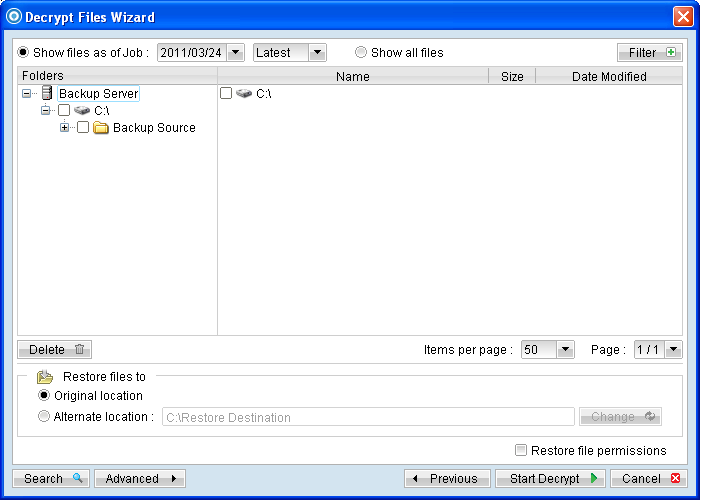
For decrypt to an alternate location, select the [Alternate location] radio button, and click [Change] to change the directory path which you would like to restore to.