Follow Link defines whether to follow an NTFS junction point or NTFS symbolic link during backup.

Menu Items |
Description |
Copy to Local Hard Disk |
Checkbox to enable or disable local copy backup. |
Copy to |
Directory which the local copy data are stored. |
Remove deleted files in retention area |
Checkbox to enable or disable the retention policy of the local copy backup. |
Keep deleted file(s) for |
Dropdown menu to select a basic retention policy. Note: For local copy backup, only basic retention policy can be applied. |
Skip backing up to Offsite Backup Server |
Checkbox to skip or to perform off-site backup for the corresponding backup set. |
To enable the [Follow Link] option, select the checkbox beside the follow link option.
Note that system protected junction point such as the Documents and Settings on Windows 2008 server cannot be selected as backup source under the advanced backup source dialog (e.g. there is no select-able checkbox beside system protected junction point).
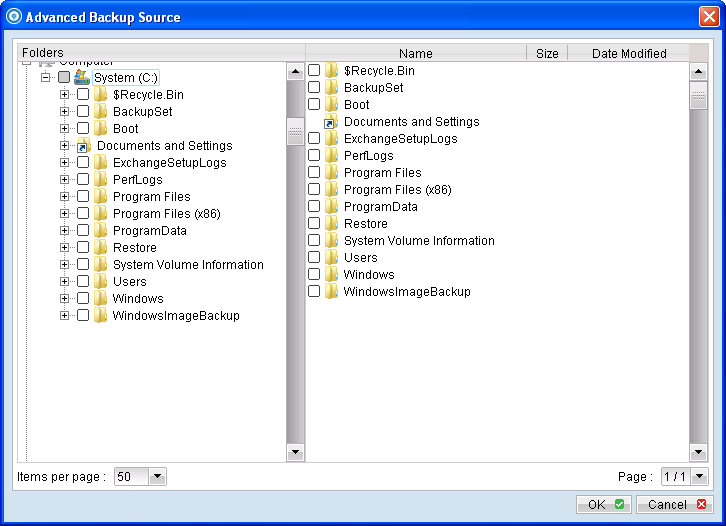 To manually select system protected junction points for backup, select the parent directory of the junction point, or enter the corresponding junction point (e.g. C:\Documents and Settings) on the web interface.