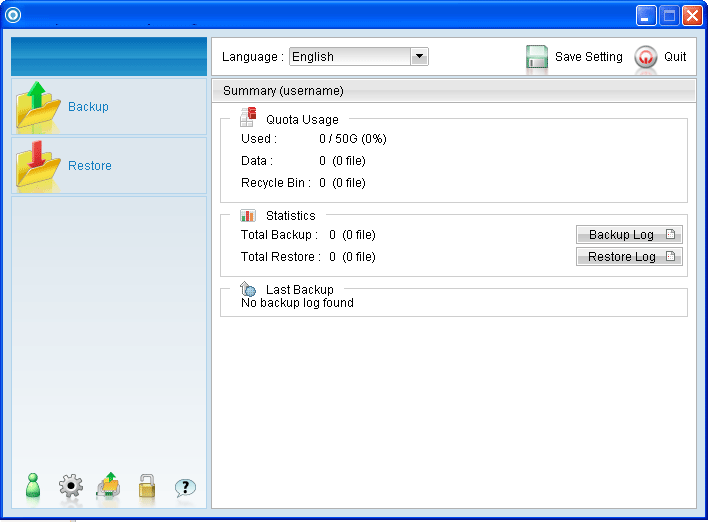
To save a copy of back up data locally on the client computer, simply enable the local copy feature of the backup client application.
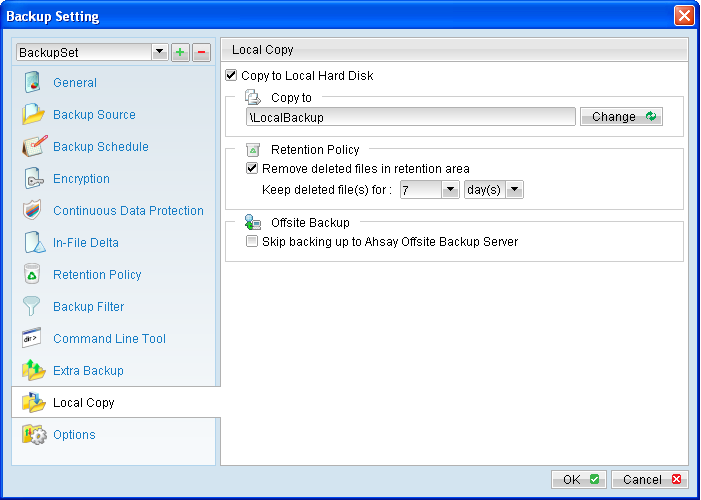
Click on the [Local Copy] tab to configure a local copy backup.
To save a copy of back up data locally on the client computer, simply enable the local copy feature of the backup client application.
Click on the [Local Copy] tab to configure a local copy backup.
Menu Items |
Description |
Copy to Local Hard Disk |
Checkbox to enable or disable local copy backup. |
Copy to |
Directory which the local copy data are stored. |
Remove deleted files in retention area |
Checkbox to enable or disable the retention policy of the local copy backup. |
Keep deleted file(s) for |
Dropdown menu to select a basic retention policy. Note: For local copy backup, only basic retention policy can be applied. |
Skip backing up to Offsite Backup Server |
Checkbox to skip or to perform off-site backup for the corresponding backup set. |
*The availability of features listed above may be service provider dependent.
If a feature is not available, please check with your service provider for further details and availability.
Select the corresponding backup set from the drop down menu, and click on the [Local Copy] tab.
Select the checkbox beside [Copy to Local Hard Disk], click the [Change] button and browse to the directory path which you would like to store the local copy backup.
You can enable retention policy for the local copy backup (if necessary). However, note that only basic retention policy can be configured for local copy.
Retention policy of the local copy backup is separate from the retention policy configured for the off-site backup (configured in the [Retention Policy] tab).
For backup set that is intended for local copy backup only, select the checkbox beside [Skip backing up to Offsite Backup Server].
Note:
Administrators need to pay attention to the maximum file size limitation of different file system format, so that data can be backed up to the Local Copy destination, or database file can be spooled to the temporary directory for local database backup.
 Data that are backed up by the local copy module are compressed and encrypted. To restore local copy backed up files, please refer to the following instruction:
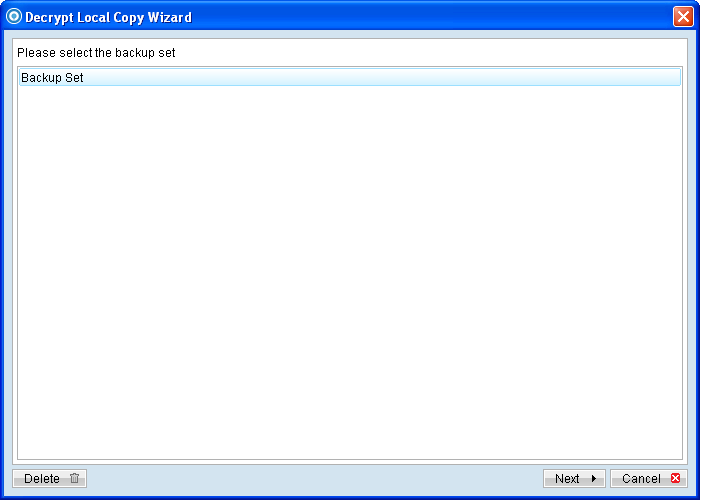
- Press the [Decrypt Local Copy Wizard] button on the backup application's main window.
- Select the backup set to be restored and press [Next] to proceed.
- Follow the normal restore procedure for restoration of your local copy backed up data. For more details, please refer to Chapter 8 of this guide.