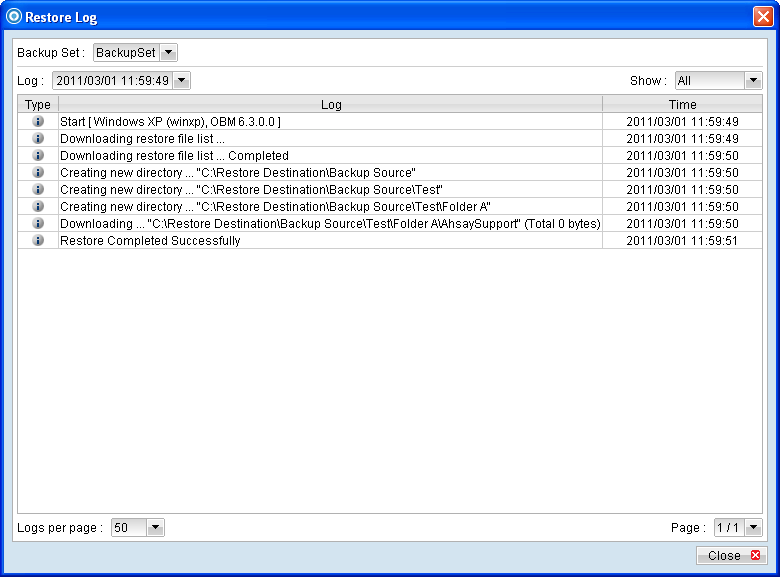
Similar to backup, all restore activities are also logged to a corresponding log files. To review them, click on the [Restore Log] button.
Menu Item |
Description |
Backup Set |
Drop down menu for selecting which backup set. |
Log |
Drop down menu for selecting which log to review (in YYYY/MM/DD hh:mm:ss format). |
Show |
Drop down menu to filter display of only Information, Warning, Error, or all log entries |
Logs per page |
Drop down menu for selecting the number of log entries to display per page. |
Page |
Drop down menu to switch the page number. |
*The availability of features listed above may be service provider dependent. If a feature is not available, please check with your service provider for further details and availability.