Refer to the following instructions to restore individual items to the original Microsoft Exchange Server
Note: Please note that individual Brick-Level backup can only be restored using OBM client (e.g. cannot perform web restore).
- Login to the backup application's user interface.
- Select the [Restore] button on the OBM main menu.
- Select the individual mail item to be restored.
- Press the [Start Restore] button to restore.
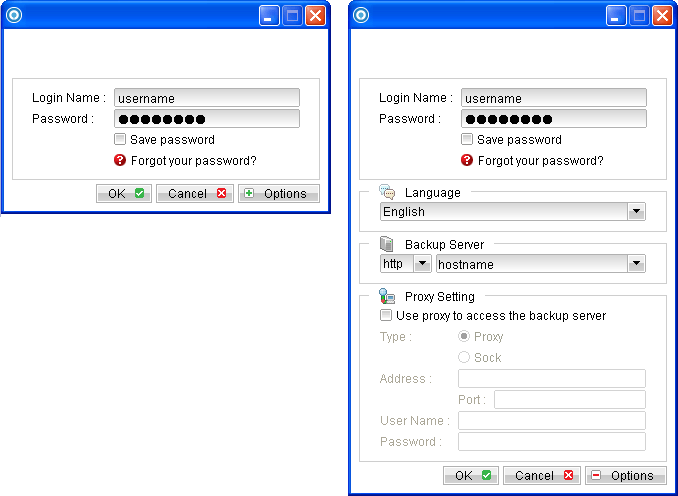
For OBM installation on 64 bit machines, please start the backup application by running the RunOBC32.bat file found under the application installation bin directory: ${OBM-InstallHome}\bin\RunOBC32.bat (Default: C:\Program Files\Backup Manager\bin\RunOBC32.bat)
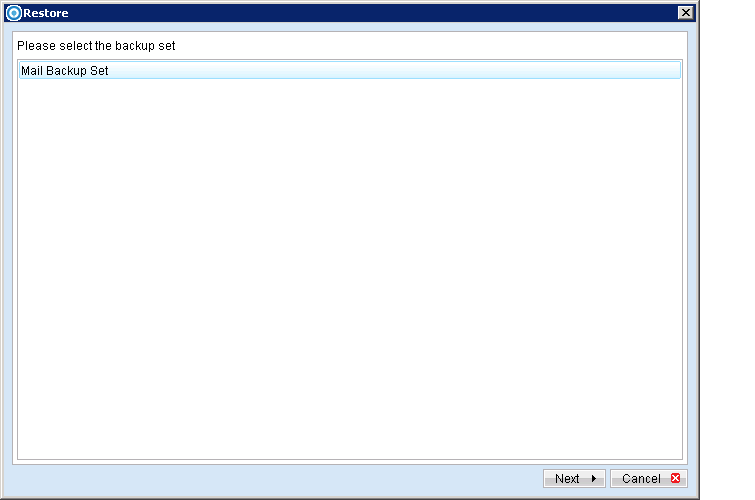
Select the corresponding backup set to be restored.
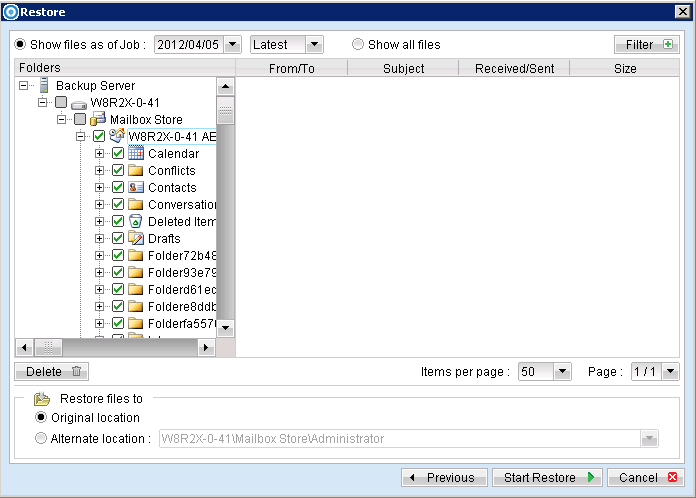
You can restore to the original mail box by selecting the "Original location", alternatively, you can now restore individual items to another mail box by selecting "Alternate location".
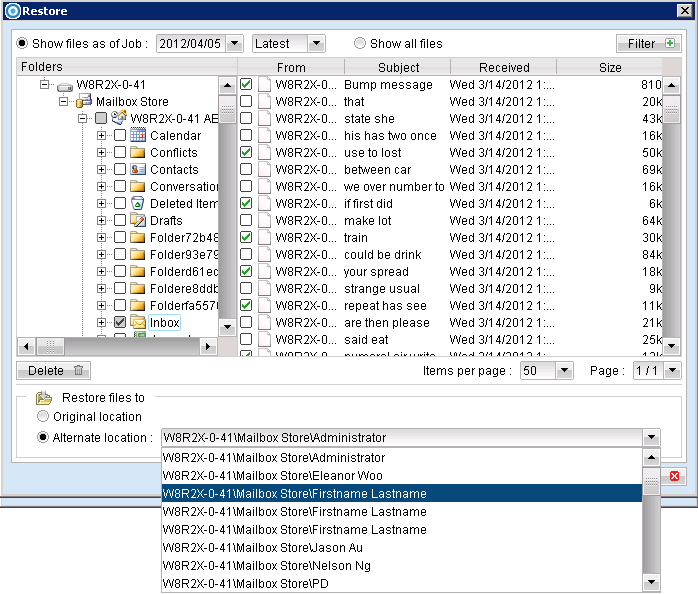
User can restore mailbox items to a different Exchange server on the same version or to a different Exchange server on different version. For example: An email message from a mailbox backed up from an Exchange 2003 server can be restored to another mailbox on another Exchange 2010 server.