Refer to the following instructions to backup individual items within your Microsoft Exchange Server:
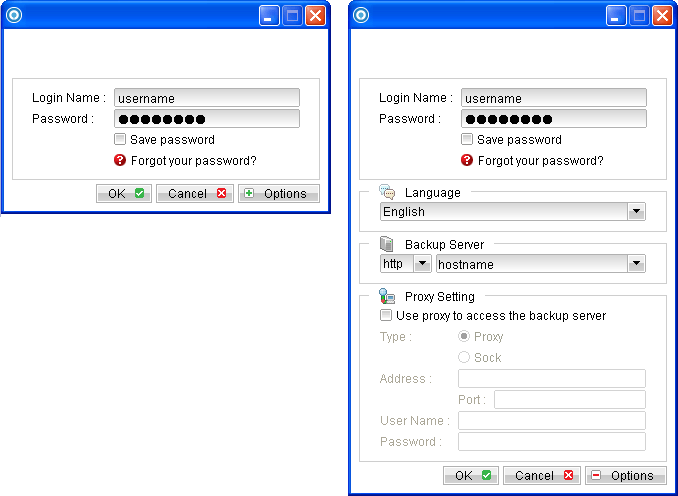
- Login to the backup application's user interface.
- Select the [Backup Settings] button and the
 button to start the New Backup Set Wizard.
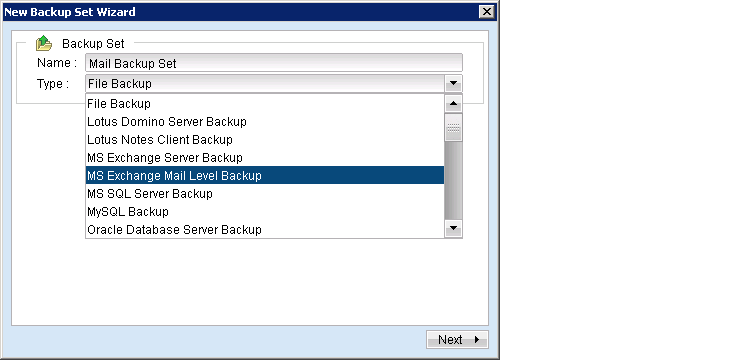
 - Create a MS Exchange mail level backup set by selecting [MS Exchange Mail Level Backup] from the backup set type dropdown menu.
- Enter the backup set name
- Select [Next] to proceed.
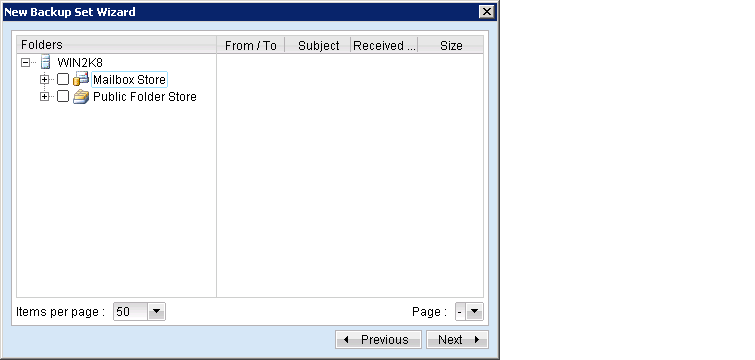
- Expand the Mailbox Store to select the corresponding mailboxes for backup.
- Configure a backup schedule for unattended backups.
Note:
Multiple backup schedules of different types can be configured for the same backup set. - Select an encryption setting for your backup set.
- Press the [OK] button to complete the configuration of backup set.
- Scheduled backup will run automatically at the configured schedule time.
- Click [Backup] button on the left panel to perform a backup immediately.
For OBM installation on 64 bit machines, please start the backup application by running the RunOBC32.bat file found under the application installation bin directory: ${OBM-InstallHome}\bin\RunOBC32.bat (normally C:\Program Files\Backup Manager\bin\RunOBC32.bat