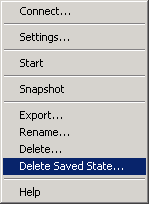
- Open Hyper-V Manager.
- Shutdown the VM to be restored to.
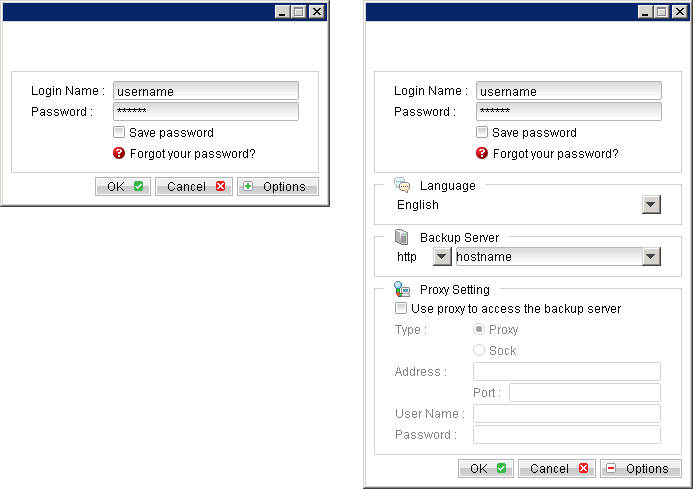
- Login to the backup application's user interface.
- Select the [Restore] button and the corresponding backup set.
- Select [Alternate location], then select the virtual disk to be restored.
- Click [Change]; select the directory path where the virtual disk was originally backed up from.
- Click the [Start Restore] button to begin the restore process.
- Start the virtual machine after the restore process is completed.

Restore of individual virtual disk is only supported for restore to [Alternation location].

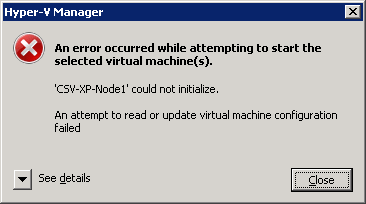
Important: If the following error is displayed during the startup, please remove the Saved State of the corresponding VM.
In Hyper-V Manager, right click on the corresponding VM and select [Delete Saved State], start the VM again afterward.