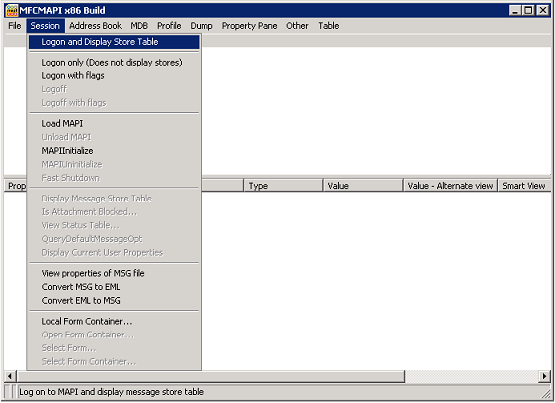
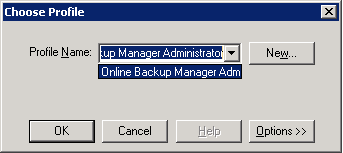
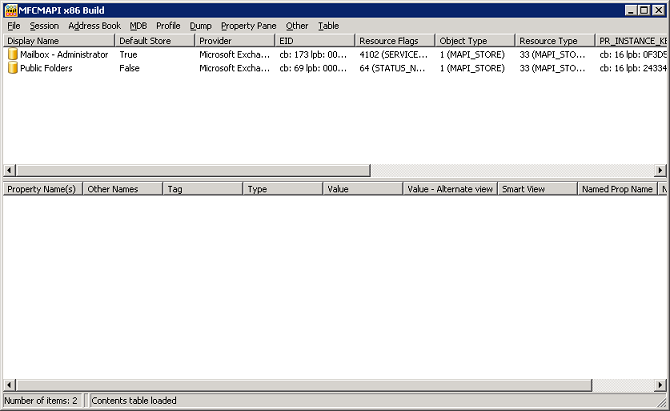
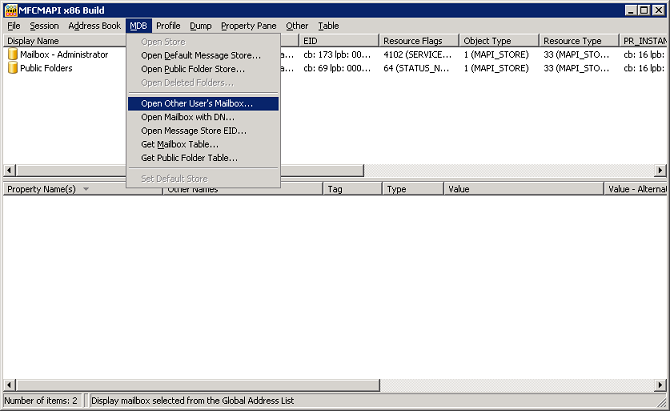
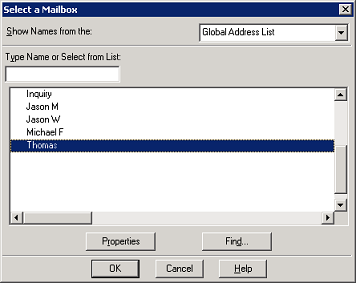
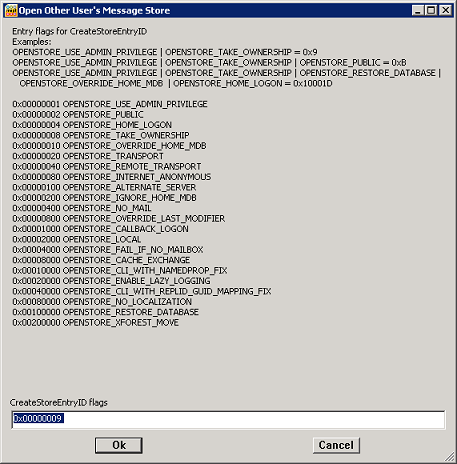
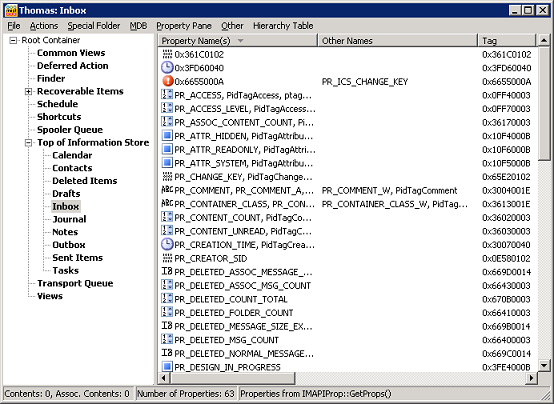
- OBM installation:
- Security setting of Administrative Group:
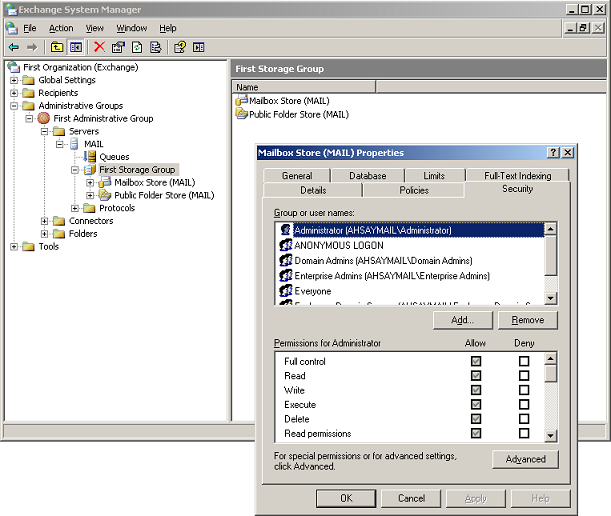
- Click [Start], point to [All Programs], [Microsoft Exchange] and then click [Server Manager].
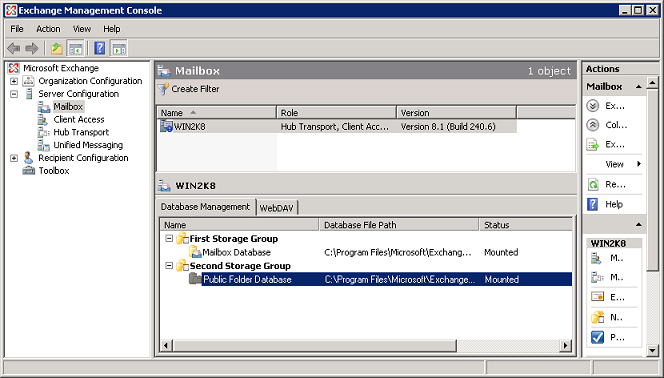
- Browse to the mailbox store within the corresponding [Administrative Group].
- Right click on [Mailbox Store (MAIL)] and select the [Security] tab:
- Check if corresponding operating system user configured for backup have sufficient permission (e.g. full control).
- Membership setting of the operating system account
- Click [Start], point to [Control Panel], [Administrative Tools], and then click [Active Directory Users and Computers].
- Browse to the organization unit containing the corresponding operating system account.
- Right click on the user, and select [Properties].
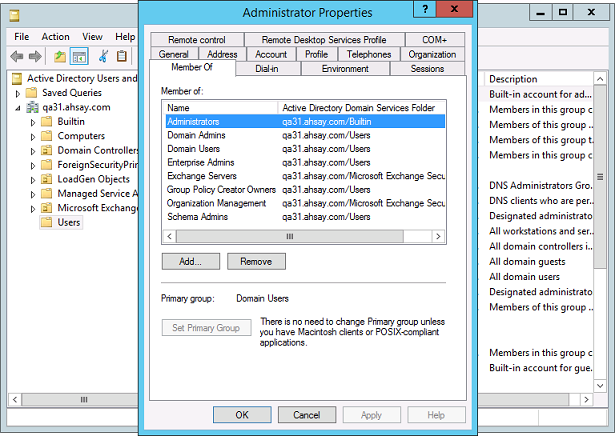
- Select the [Member Of] tab to check on the membership setting:
- Reboot the affected machine
- Mailbox enabled:
- Click [Start], point to [Control Panel], [Administrative Tools], and then click [Active Directory Users and Computers].
- Browse to the organization unit containing the corresponding operating system account.
- Right click on the user, and select [Properties].
- Select the [Exchange Advanced] tab to check on the advanced setting:
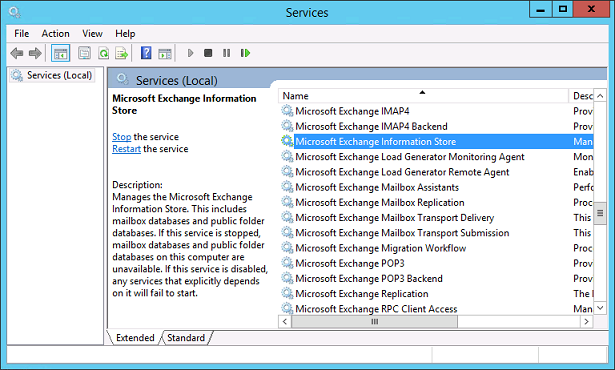
- Exchange related Windows Services
- Messaging Application Programming Interface (MAPI) profile setting
- Download the MFCMAPI 32-bit executable (MfcMapi.exe).
- Open the Microsoft Exchange Server MAPI Editor.
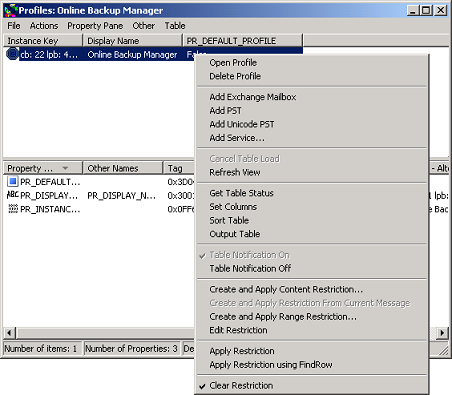
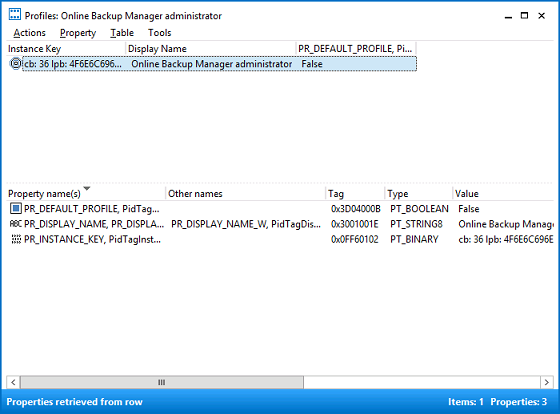
- Select [Profile], and then [Show Profiles]:
- Right click on the [Online Backup Manager] profile.
- Select [Open Profile]:
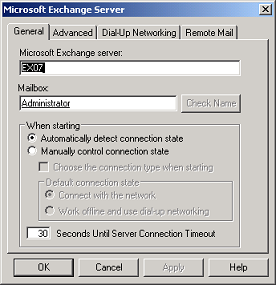
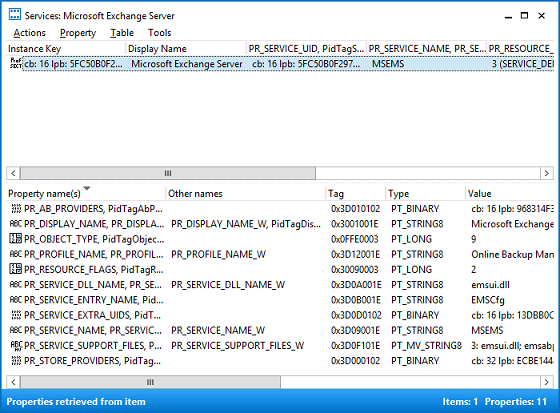
- Right click on the [Microsoft Exchange Server] entry and then select [Configure Service]:
- (Optional) Edit the hosts file, enter the corresponding Exchange server IP address and hostname within the hosts file found in the following directory:
- Enter the local IP address of the MS Exchange server in the [Microsoft Exchange server] text box, and username in the [Mailbox] text box, press [Check Name] for validation, and [Apply] afterward:
- Confirm if the MS Exchange permisson settings are configured correctly.
- Restart the OBM client software afterward.
- Re-create the Messaging Application Programming Interface (MAPI) profile
- Open the Microsoft Exchange Server MAPI Editor.
- Select [Profile], and then [Show Profiles]:
- Right click on the [Online Backup Manager] profile.
- Select [Delete Profile]:
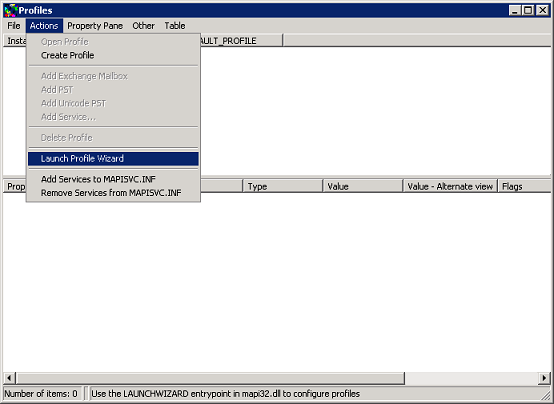
- Re-create the profile afterward by clicking [Actions], [Launch Profile Wizard]:
- Click OK in the [Launch Profile Wizard]:
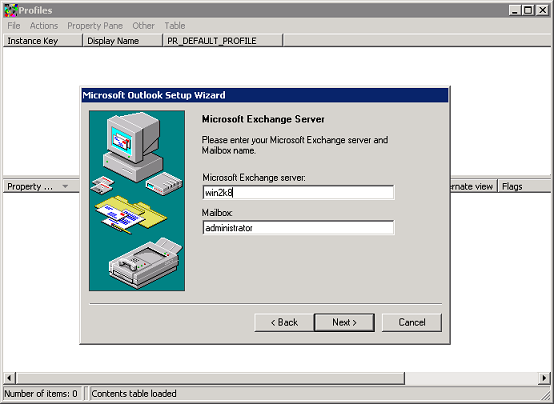
- Select [Microsoft Exchange Server] under [User the following information services]:
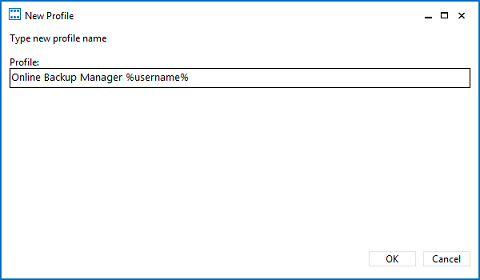
- Enter the following [Profile Name]:
- For OBM version 6.9.2.0 or above - [Online Backup Manager %os_username%]
- For OBM version pre-6.9.2.0 - [Online Backup Manager]
- Click [Next] and [Finish].
- Confirm if the MS Exchange permisson settings are configured correctly.
- Java crash
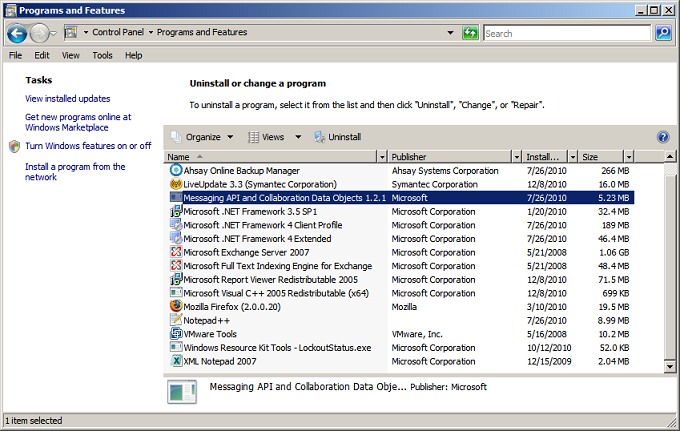
Did you install OBM on the Exchange server with mailbox role? Important: For version 6.9.2.0 or above, OBM must be installed on the Exchange server hosting the database (e.g. Exchange server with mailbox role).
Did you assign full control permission of the corresponding administrative group to the system account for backup? Confirm on the security setting of the account. Perform the following procedure:
Did you assign the system account for backup to the correct security group? The account must be a member of the Enterprise Admins and a Domain Admins security group. Perform the following procedure:

Have you restarted the affected computer recently? After any permission change, reboot the MS Exchange Server in order for the changes to take effect immediately:

Note: If you have multiple domain controllers in the forest, you may also have to wait for directory replication to complete.
Is the account for backup mailbox enabled? Perform the following procedure:

Note: A mailbox-enabled user is a Windows Active Directory user that has one or more Exchange Server mailboxes associated with it. http://support.microsoft.com/kb/275636/en-us.
Are the Exchange related Windows services running properly? Ensure that all MS Exchange related services have been started. Pay close attention to the 'MS Exchange Information Store' and 'MS Exchange System Attendant' services:
Is the MAPI profile in use configured properly? The Messaging Application Programming Interface (MAPI) profile is use by OBM when a mail level backup job is performed, ensure that the profile setting is correctly configured. Perform the following procedure:


C:\Windows\system32\drivers\etc\hosts (Updated) |
Copyright (c) 1993-1999 Microsoft Corp. This is a sample HOSTS file used by Microsoft TCP/IP for Windows. ... IP_address Hostname |
Important: Perform this step only if the Exchange server hostname cannot be resolved.
Note:For domain environment with multiple Exchange servers, enter the IP address of the Exchange with Client Access Role.
In some instances, you can resolve the issue by re-creating the MAPI profile. Try deleting, then re-creating the profile. Perform the following procedure:


Did OBM crash while you were trying to create the backup set? If the software crash when you are trying to create a mail level backup set, restart OBM in debug mode to confirm if there is any Java crash error displayed. Refer to 1.5 How to start OBM / ACB in debug mode? for instruction. Important: For instruction on how to properly setup your MS Exchange mail level backup, refer to Section 16 for details.

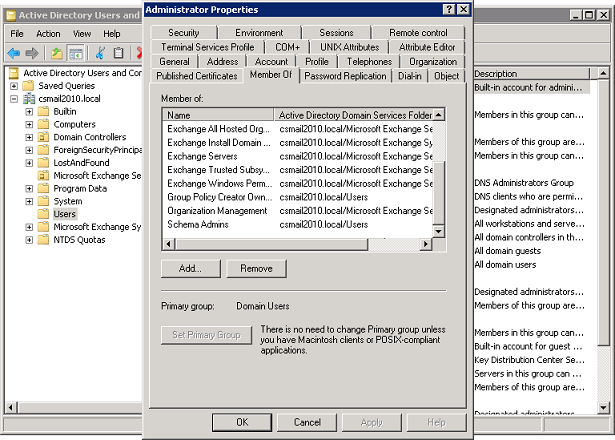 Security group setting of Exchange Server 2010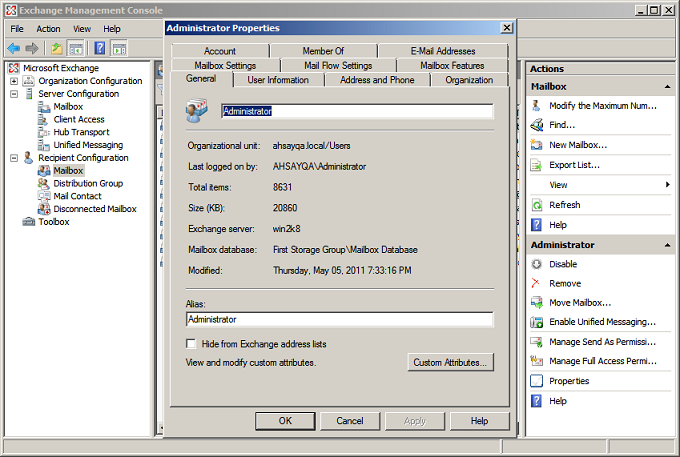

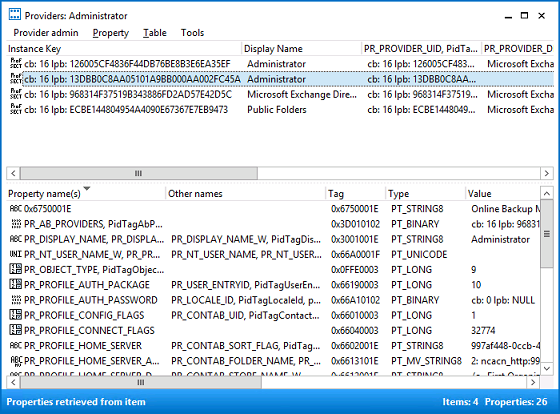
 Note: %os_username% is the username of the operating system account for backup.
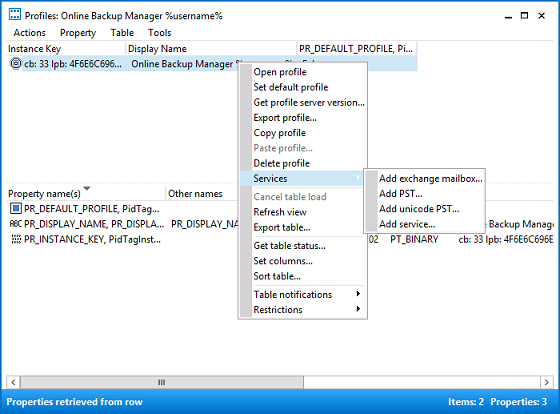
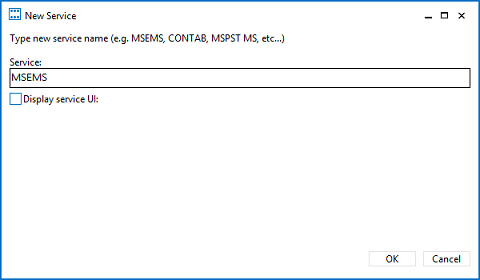
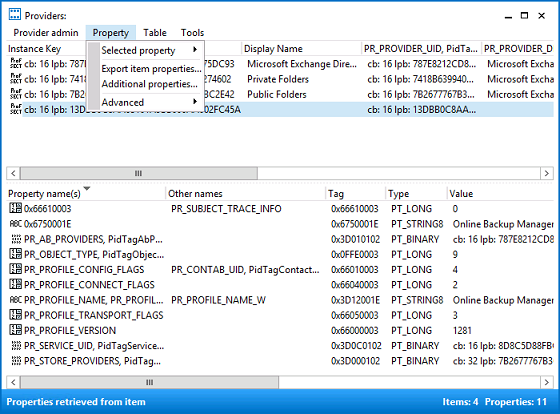
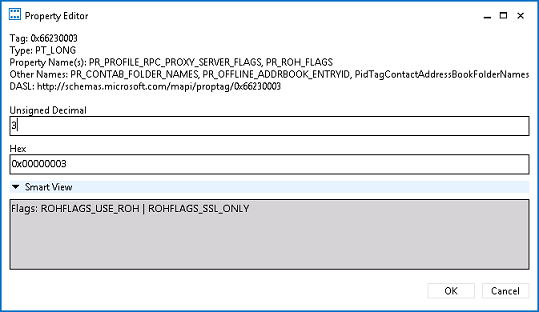
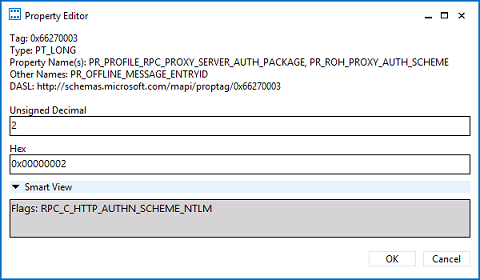
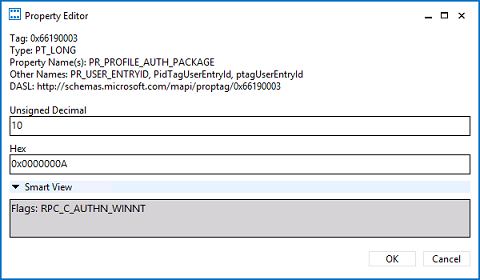
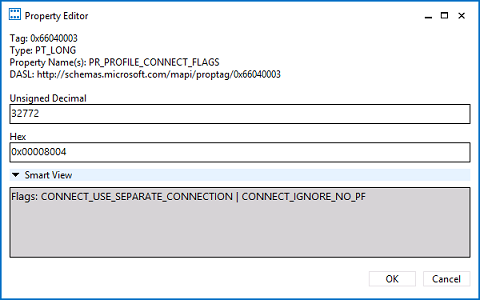
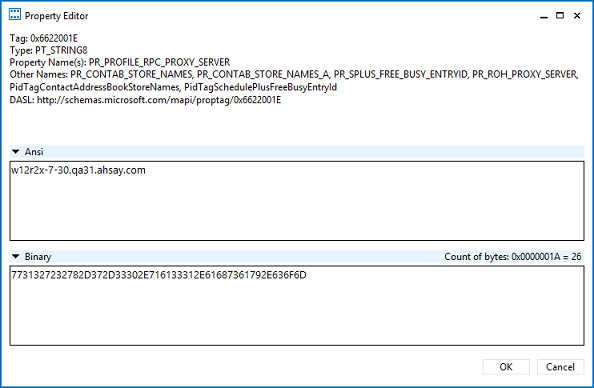
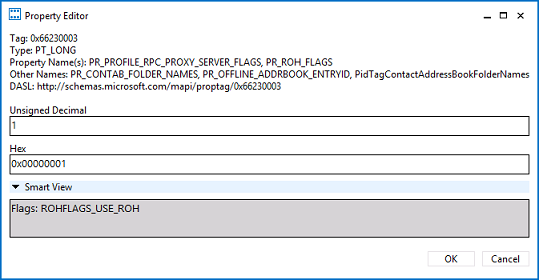
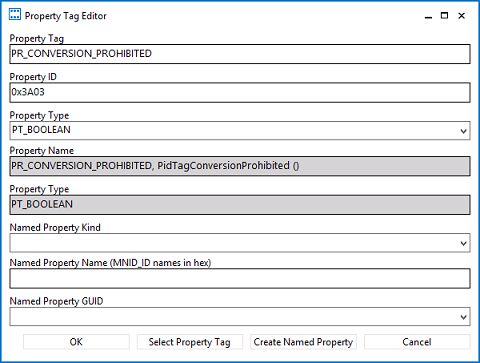 Perform the same one by one, then click [OK] at the end:
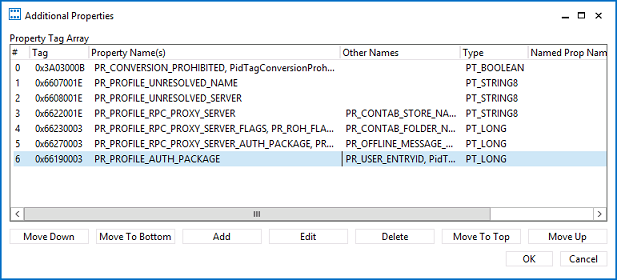
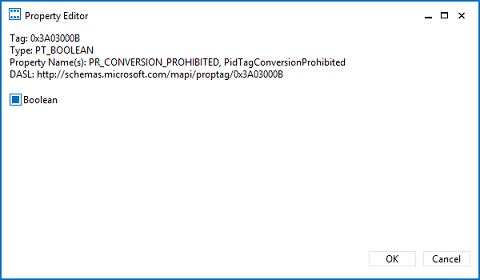
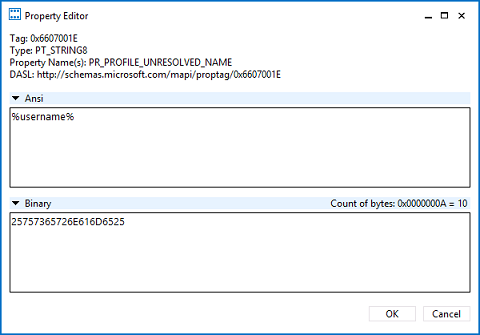
 Note: %os_username% is the username of the operating system account for backup.
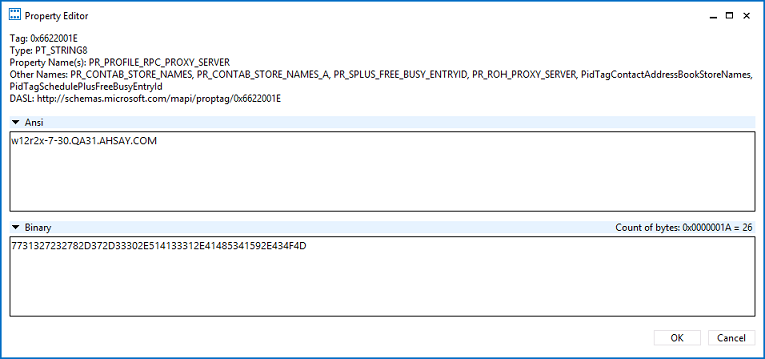
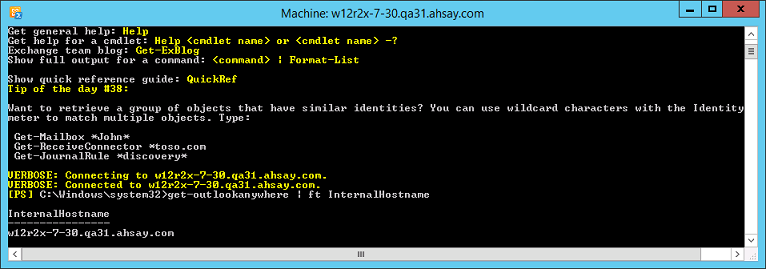
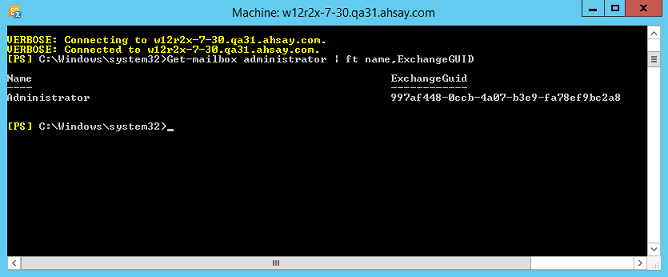
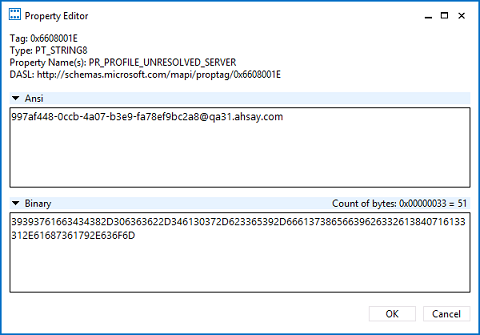
Double click [PR_PROFILE_UNRESOLVED_SERVER], enter the personalized server id:
Note: %os_username% is the username of the operating system account for backup.
Double click [PR_PROFILE_UNRESOLVED_SERVER], enter the personalized server id:
 or
or